
Guides · Data reconciliation
How to reconcile financial data from ERP, Excel and Power BI
Do ERP, Excel and your executive dashboard show different amounts? Learn how to compare a consistent scope, explain discrepancies and build a financial data control you can repeat after every refresh.
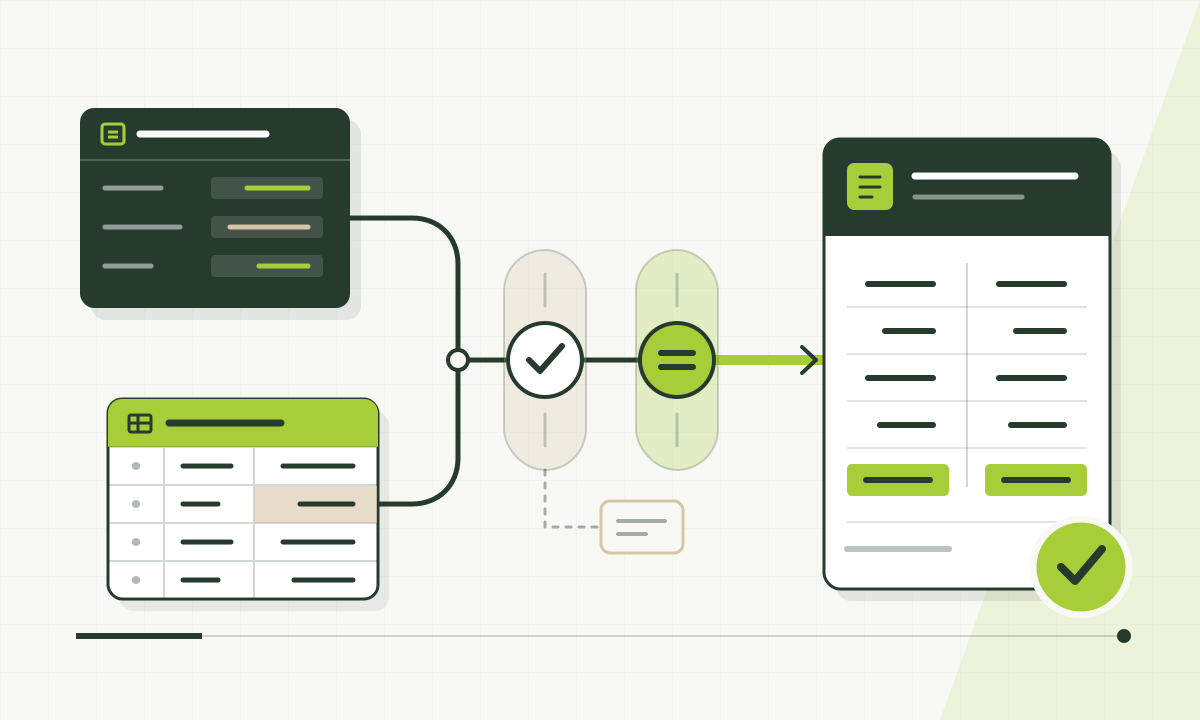
Agree exactly what is being compared
Agree the entity, period, accounts, document types, currency and posting status. Distinguish posted actuals, operational data and plans. These datasets support different decisions and need their boundaries explained before comparison.
Identify a reference source and rule owners. Record the data cut-off and treatment of post-close adjustments. Selecting the same month in two applications does not establish consistent scope.
Check grain, dates, signs and currencies
Compare documents or line items before totals. Preserve source identifiers and join keys. Joining one invoice to multiple time entries can multiply its amount; different grains need deliberate modelling and allocation rules.
Distinguish document and posting dates, net and gross amounts, cost signs and transaction and reporting currencies. Make rates, rate dates and rounding explicit. Check Excel and SharePoint file versions, column schemas and completeness.
Preserve a control trail through your data layers
Medallion architecture uses Bronze for raw input, Silver for prepared, standardised data and Gold for curated analytical datasets. For reconciliation, record load identifiers, row counts and control totals between layers.
Account, project and entity mappings need owners and versions. Do not silently replace missing mappings with an ‘Other’ category. Log exceptions to distinguish intentional rules from integration faults.
Build a reconciliation bridge instead of changing the total
Illustrative example; no client data. PLN amounts cover the selected management-reporting scope. Exclusions are mutually exclusive: no item is deducted twice. They change the comparison baseline, not ERP accounting entries.
- Every bridge item should trace back to documents and the rule applied.
- The remaining PLN 500 needs investigation; do not hide it in another measure.
| Comparison item | Amount PLN |
|---|---|
| ERP source control total | 120,000 |
| Documents outside the agreed recognition date | −8,000 |
| Items outside the selected entity | −2,000 |
| Expected amount for the report scope | 110,000 |
| Amount displayed in the report | 109,500 |
| Unexplained difference: reported minus expected | −500 |
Separate reconciliation from data visibility
Finance approves rules and references, the data team implements them, and consumers assess usefulness. Compare identical record populations under identical access conditions. RLS restricts visibility but does not replace reconciliation or correct modelling.
Accountants investigate exceptions and documents; project managers assess their projects; the board needs reconciled indicators. Common definitions serve these perspectives without mixing access levels.
Define publication gates and exception handling
Check completeness, uniqueness, mappings and control totals. Agree justified tolerances with finance. Record results, rule versions and approvers; technical tolerance must not excuse arbitrary discrepancies.
Failed controls should identify the issue and affected data. Follow an agreed procedure to withhold publication or mark an unreconciled period. Management reporting does not replace accounting approval.
Financial data reconciliation checklist
- The same period, entity, document status and account scope.
- An explicit recognition date and data-loading cut-off.
- Consistent grain and preserved source identifiers.
- Agreed signs, currencies, exchange rates and rounding rules.
- Checks for duplicates, missing records and input file versions.
- Versioned mappings and a log of unresolved exceptions.
- A reconciliation bridge that traces back to source documents.
- A control owner, acceptance criteria and an exception response procedure.
Keep the checklist by printing this guide to PDF from your browser.
Questions and answers
Must Power BI show exactly the same figures as ERP?
Identical scope and rules should produce reconcilable results. A different management-reporting scope requires explained differences and business-owner acceptance.
Does reconciliation always require Microsoft Fabric?
No. Improve reconciliation in the existing environment first. A shared platform needs justification through source complexity, scale, history or operational requirements.
What is the best starting scope?
Start with one important KPI, period and entity. Trace the figures to documents, explain differences and agree acceptance with finance. Extend the mechanism only after that initial scope is validated.